Showcase editor
The cheat showcase video editor that works from one prompt
Upload raw gameplay and a recording of your cheat menu, say what you want in one prompt, and CheatCut hands back a finished showcase with the clips picked, the cuts on the beat and the captions in place.
What a cheat showcase video editor actually does
A showcase has one job: prove the cheat works before someone pays for it. That means the right clips, in the right order, cut tight enough that nobody scrolls away. CheatCut is an AI video editor for cheat showcases that does that cutting for you, from raw footage you already have.
You give it two things. Raw gameplay, as much as you like, and a short screen recording of your cheat menu. Then you write one prompt. CheatCut picks the clips, cuts them to the beat of the music, adds captions and sound, drops in the menu reveal and finishes on an end card. If you'd like to see the result first, watch the examples on the home page.
How to make a cheat showcase video, step by step
Record raw gameplay
Play with the features on and record everything. You don't need to trim it first, and more raw footage gives CheatCut more clips to choose from.
Record the menu
A short screen recording of your cheat menu, moving through the tabs and switching on the features you want named in the video.
Write one prompt
Say how long the video should be, which shape it's for, how fast the cuts should feel and which features to show off.
Check the price
Every edit shows its fixed credit price before it starts, so you know what it costs before anything renders.
Revise in plain words
Not quite right? Re-prompt with something like "faster cuts" or "swap the third clip", or adjust the timeline yourself.
Export
Download the finished showcase in 16:9, 9:16 or 1:1 and post it wherever your buyers are.
What makes a showcase worth watching
Open on your best moment, not the loading screen. Viewers decide in the first couple of seconds whether they're staying, so the strongest kill or the cleanest ESP read goes first and the slower footage earns its place later, if at all.
Show the feature working before you name it. A caption that says aimbot means more when the viewer has just watched the crosshair land on a head. In your prompt, ask for captions that name each feature while it's on screen, in the same words your menu uses.
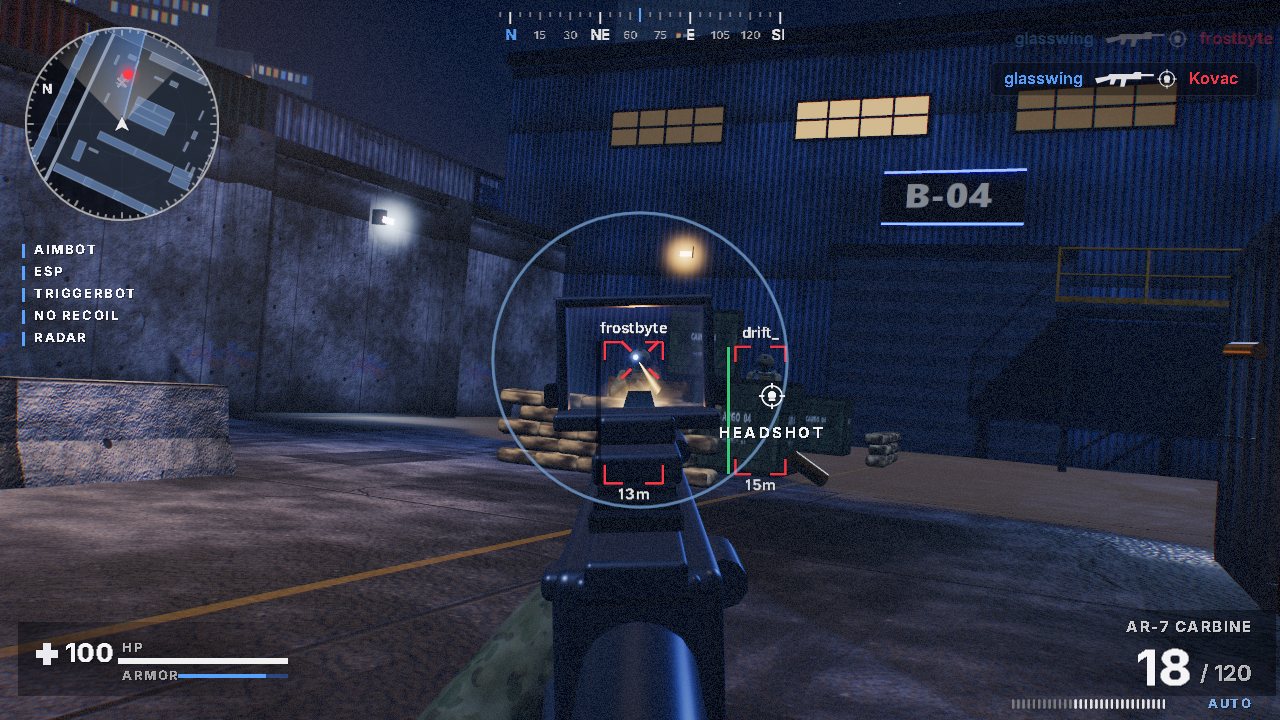
And keep it honest. Show the features your product really has, and don't let an edit promise more than your status page does. A showcase stays online long after a detection status changes.
Cutting raw footage down to the moments that sell
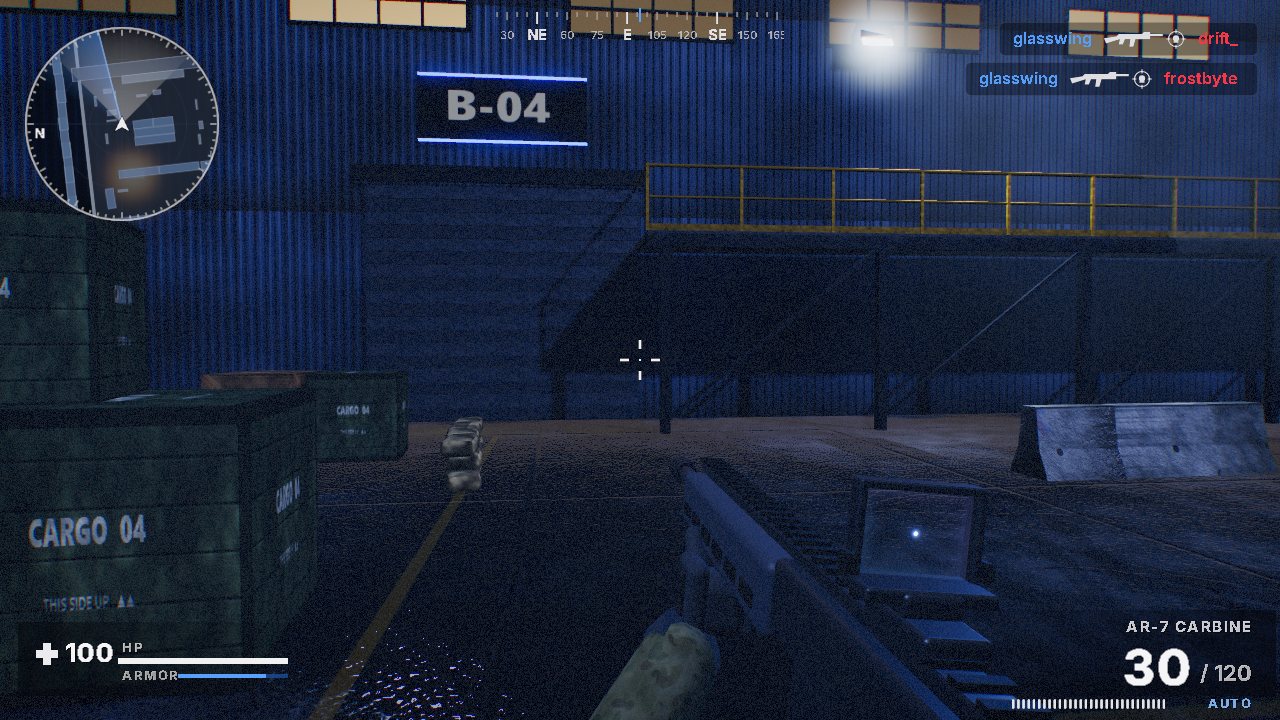
Raw gameplay is mostly waiting. Looting, rotating, walking back to the fight and sitting between rounds are what make a recording long, and none of it shows the cheat doing anything.
CheatCut's clip selection keeps the moments where the cheat is working and drops the rest, then cuts what's left to the beat. Kill detection works with most shooters that show a kill feed. Menu showcases and promo cuts work with any footage.
Writing a prompt that gets the cut you want
Write the prompt the way you'd brief an editor you trust. Length, shape, pace, the features that matter and where the menu goes. Plain words work, and you don't need any editing terms.
30 second vertical showcase for TikTok. Fast cuts on the beat, open on the best kill, captions naming aimbot and ESP, menu reveal halfway, end card at the finish.
60 second 16:9 showcase for our product page. Slower pace, ESP first, then the aimbot, then the menu. Clean captions.
If the first cut misses, don't start again. Re-prompt with what's wrong, like "faster cuts" or "swap the third clip", or move things on the timeline before you export.
16:9, 9:16 and 1:1 showcases
CheatCut exports 16:9, 9:16 and 1:1. Pick the shape for where the video is going and say it in your prompt.
- 16:9YouTube and product pages
- 9:16TikTok, Shorts and Reels
- 1:1Square posts and Discord
Selling more than one product? The guide for cheat resellers covers videos for a whole store, and the cheat menu showcase guide goes deeper on recording your menu.
Questions, answered
- What footage do I need for a cheat showcase video?
- Raw gameplay recordings and a short screen recording of your cheat menu. The more raw gameplay you upload, the more clips CheatCut has to choose from.
- Do I need video editing experience?
- No. You describe the video in one prompt. If the first cut isn't right, re-prompt in plain words or adjust the timeline yourself before you export.
- How much does a showcase edit cost?
- Each edit shows a fixed credit price before it starts, and every plan adds credits each paid month. If an edit fails, the credits come back.
- Which shapes can I export?
- 16:9, 9:16 and 1:1, which covers YouTube and product pages, vertical short-form video and square posts.
- Who owns the finished video?
- You do. Exports are yours, and you're responsible for the footage you upload and where you publish it.
More showcase guides
Make your next showcase from one prompt
Pick a plan, upload your footage and type the prompt. Or try CheatCut for free first.